.png)
How to add a date picker or calendar
You can add a date picker anywhere within your form by creating a Form Step
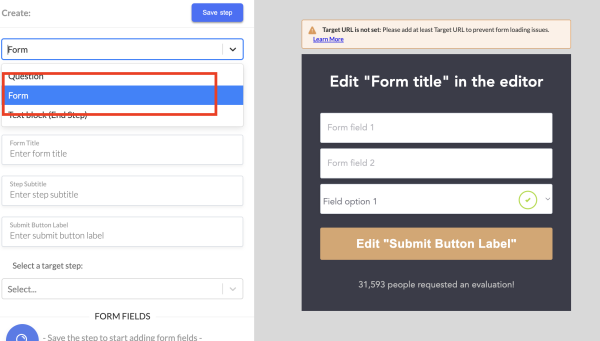
Next, you will fill in the Step Name/Form Title/Subtitle (if desired)/and Submit button label and click SAVE STEP:

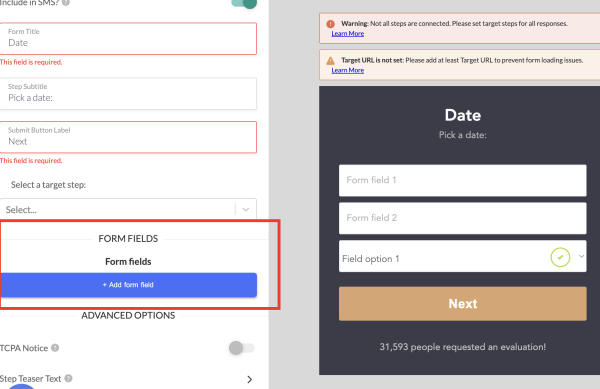
Then, you will click on Add Form Field
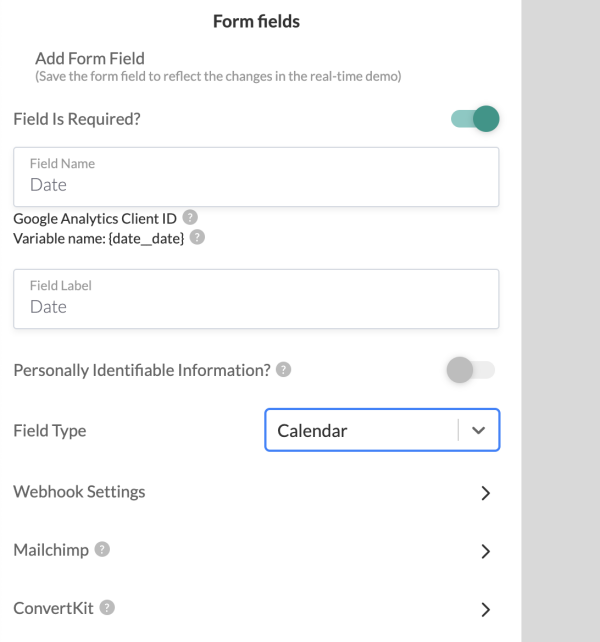
In the form field, you have the option to add a calendar or a date for your customer to choose a date:
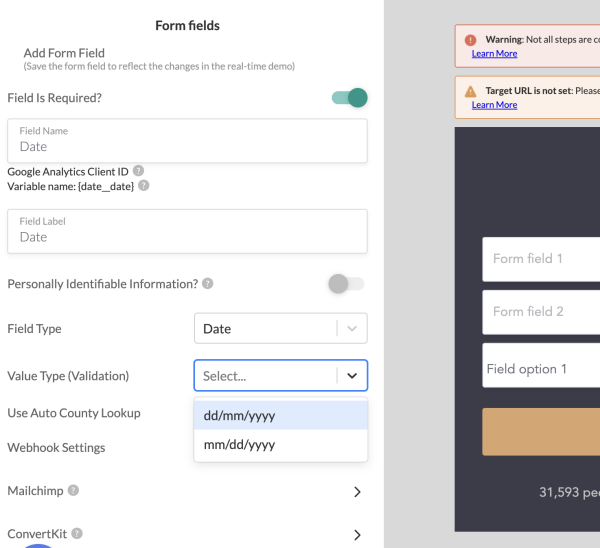
Once you make changes, click on save.
Since you created a new step, don't forget to connect the target steps in the appropriate order.